
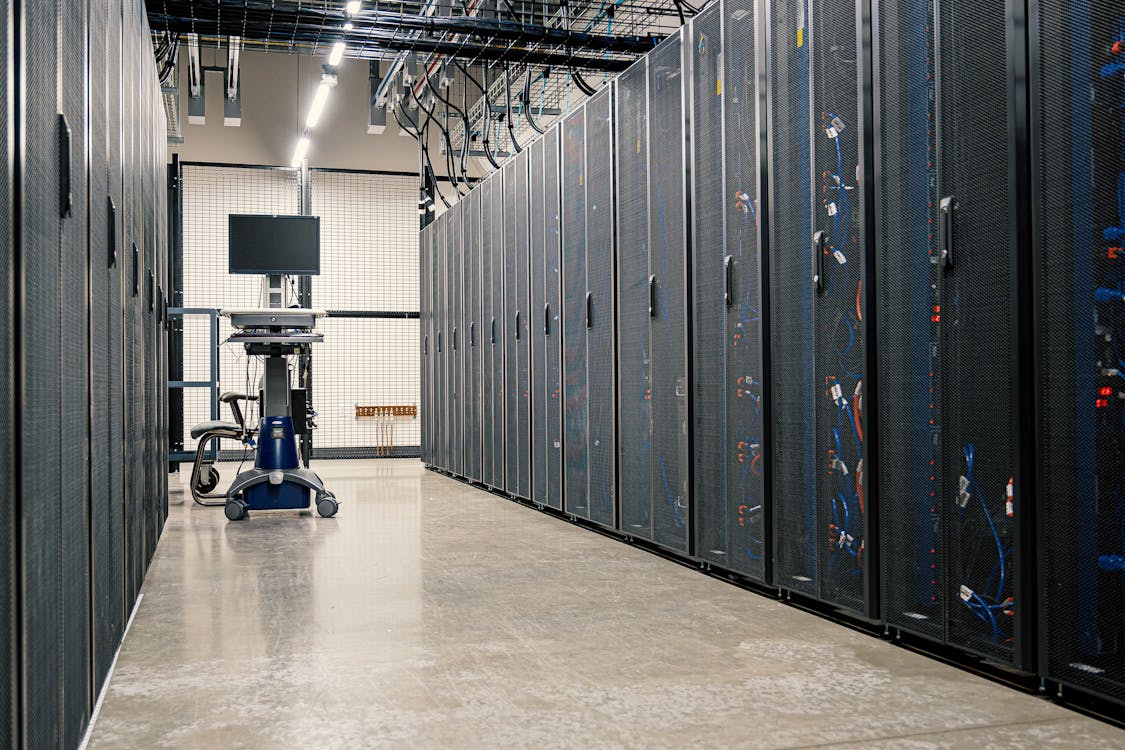
As your business grows, the IT infrastructure that once served you well can become a bottleneck. Recognizing the warning signs early can save you from costly downtime, security breaches, and lost productivity.
Sign #1: Frequent System Slowdowns
If your team constantly complains about slow computers, sluggish applications, or frequent system freezes, it's time to investigate. Common causes include:
- Outdated hardware: Computers older than 5 years struggle with modern software
- Insufficient network capacity: Your internet connection can't handle current traffic
- Overloaded servers: Your server wasn't designed for your current user load
- Inefficient network design: Poor network architecture causes bottlenecks
The Cost of Slow Systems
Consider this: If 20 employees each lose just 15 minutes per day to slow systems, that's 5 hours of lost productivity daily—1,250 hours per year! At an average cost of R300/hour, you're losing R375,000 annually.
Sign #2: Running Out of Storage Space
Constantly deleting files to free up space? Experiencing slow backups? These are clear indicators that your storage infrastructure needs upgrading.
Modern Solutions:
- Cloud storage: Scalable, accessible anywhere, automated backups
- NAS (Network Attached Storage): Centralized file storage for the office
- Hybrid approach: Local storage + cloud for redundancy
Sign #3: Security Concerns Keep You Up at Night
If you're worried about data breaches, ransomware, or losing critical business information, your security infrastructure probably needs attention.
Warning Signs:
- No multi-factor authentication (MFA)
- Infrequent or no backups
- No firewall or outdated firewall
- Employees sharing passwords
- No antivirus or outdated definitions
- Old operating systems (Windows 7, Windows Server 2008)
A single ransomware attack can cost a business R500,000+ in lost productivity, ransom payments, and recovery costs. Prevention is far cheaper than recovery.
Sign #4: Your IT Person is Overwhelmed
If you have an internal IT person who is constantly firefighting issues with no time for strategic projects, your infrastructure has become too complex for one person to manage effectively.
Common Scenarios:
- Support tickets pile up faster than they can be resolved
- No time for proactive maintenance
- No one covers during vacation/illness
- Relying on "tribal knowledge" from one person
- No documentation of systems or procedures
The Solution:
Consider supplementing your internal IT with managed services. This gives your IT person backup support while bringing in specialized expertise for complex projects.
Sign #5: Difficulty Supporting Remote Work
The shift to remote and hybrid work has exposed infrastructure weaknesses. If your team struggles with remote access, your infrastructure needs modernization.
Problems to Watch For:
- Slow VPN connections
- Can't access files from home
- Video conferencing constantly buffers or drops
- Sharing files via email instead of centralized system
- Security concerns with remote access
Modern Remote Work Infrastructure:
- Cloud-based applications: Access from anywhere
- Secure VPN or Zero Trust Network Access: Safe remote connections
- VoIP phone system: Use business number on any device
- Collaboration tools: SharePoint, Microsoft Teams, or similar
- Cloud desktop (VDI): Access full desktop from anywhere
What to Do Next
Step 1: Conduct an IT Assessment
Before making major investments, understand your current state and identify gaps. A professional IT assessment will:
- Document your current infrastructure
- Identify bottlenecks and vulnerabilities
- Recommend improvements
- Prioritize projects by ROI
- Provide budget estimates
Step 2: Prioritize Based on Risk and Impact
Not all upgrades are equally urgent. Focus on:
- High risk, high impact: Security vulnerabilities, backup failures
- High impact, low risk: Performance improvements, user experience
- Low impact, high risk: Compliance issues, end-of-life systems
- Low impact, low risk: Nice-to-have features
Step 3: Plan for Growth
Don't just solve today's problems—build infrastructure that supports 3-5 years of growth. Consider:
- Expected employee growth
- New locations or offices
- New services or products
- Industry technology trends
- Regulatory changes
Budget-Friendly Upgrade Options
Worried about costs? You don't need to replace everything at once:
Phased Approach:
- Phase 1 (0-3 months): Critical security fixes, backup implementation
- Phase 2 (3-6 months): Replace oldest equipment, upgrade network
- Phase 3 (6-12 months): Move to cloud services, implement monitoring
- Ongoing: Regular refresh cycle (replace 20-25% per year)
Financing Options:
- Hardware leasing (avoid large upfront costs)
- Managed services (pay monthly, include support)
- Cloud migrations (convert CapEx to OpEx)
The Cost of Doing Nothing
Delaying infrastructure upgrades has real costs:
- Lost productivity from slow systems
- Increased downtime and emergency fixes
- Higher risk of security breaches
- Employee frustration and turnover
- Lost business opportunities
- Inability to support remote work
Ready to assess your infrastructure? Quadracom offers free IT infrastructure assessments for South African businesses. We'll identify what needs attention and help you prioritize investments for maximum ROI.
